

FLUX Prompt Framework
Use this structure for consistent results: Subject + Action + Style + Context Example: âRed fox sitting in tall grass, wildlife documentary photography, misty dawnâ- Subject: The main focus (person, object, character)
- Action: What the subject is doing or their pose
- Style: Artistic approach, medium, or aesthetic
- Context: Setting, lighting, time, mood, or atmospheric conditions

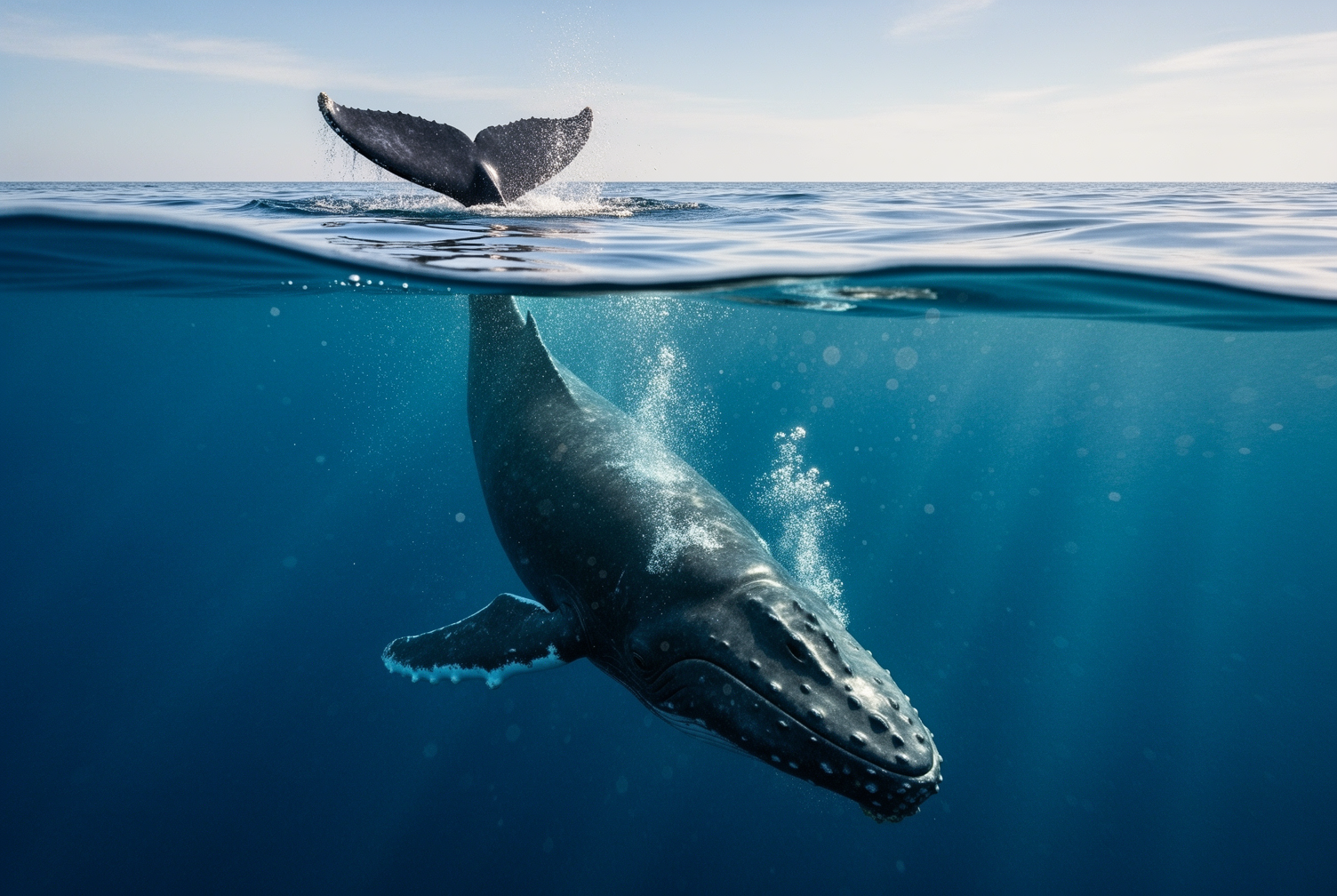
Example of a structured prompt
Use Structured Descriptions
Use natural language for relationships and descriptions, but direct specifications for technical and atmospheric elements.- âHuman explorer in futuristic gear walking through cyberpunk forest, dramatic atmospheric lighting, sci-fi fantasy art style, cinematic compositionâ
- âAn astronaut with a silver spacesuit floating outside the International Space Station, cinematic photography with dramatic lighting, peaceful and awe-inspiringâ
- âRetro game style detective in old school suit, upper body shot, colorful, futuristic design with vibrant glowâ


Word Order Matters
Front-load your most important elements. FLUX pays more attention to what comes first. Priority order: Main subject â Key action â Critical style â Essential context â Secondary detailsEnhancement Layers
Build beyond the basic framework with these optional layers: Foundation: Subject + Action + Style + Context + Visual Layer: Specific lighting, color palette, composition details + Technical Layer: Camera settings, lens specs, quality markers + Atmospheric Layer: Mood, emotional tone, narrative elements Example progression:- Foundation: âAn astronaut floating outside the space station, cinematic photographyâ
- Enhanced: âAn astronaut with silver spacesuit floating gracefully outside the International Space Station, cinematic photography with dramatic lighting, bathed in golden sunlight, deep blue Earth tones, shallow depth of field, 85mm lens, conveying wonder and achievementâ
Optimal Prompt Length
Short (10-30 words): Quick concepts and style exploration Medium (30-80 words): Usually ideal for most projects Long (80+ words): Complex scenes requiring detailed specificationsAvoiding Negative Prompts in FLUX: Positive Alternatives
Instead of âno crowds,â write âpeaceful solitudeâ Instead of âwithout glasses,â write âclear, unobstructed eyesâ Ask: âIf this thing wasnât there, what would I see instead?âQuick Templates
Portrait:[Subject description], [pose/expression], [style], [lighting], [background]
Product: [Product details], [placement], [lighting setup], [style], [mood]
Landscape: [Location/setting], [time/weather], [camera angle], [style], [atmosphere]
Architecture: [Building/space], [perspective], [lighting], [style], [mood]
Text Integration
FLUX can generate readable text in images when you describe it clearly. Hereâs how to get good text results:- Use quotation marks: âThe text âOPENâ appears in red neon letters above the doorâ
- Specify placement: Where the text appears in relation to other elements
- Describe style: âelegant serif typographyâ or âbold industrial letteringâ
Common Use Case Patterns
Different types of images work better with different prompt structures. Put the most important elements first based on what you want to emphasize:Character-focused
For portraits, character art: Start with detailed character description and then add the rest of the prompt.Detailed character â Action â Style â ContextBuilding progression:
- Foundation: âElderly wizard with long white beard and piercing blue eyesâ
- + Action: âElderly wizard with long white beard and piercing blue eyes, casting a spellâ
- + Style: âElderly wizard with long white beard and piercing blue eyes, casting a spell, fantasy art styleâ
- + Context: âElderly wizard with long white beard and piercing blue eyes, casting a spell, fantasy art style, in a magical forest clearingâ
Context-focused
For landscapes, architectural shots: Lead with the setting and then add the rest of the prompt.Setting â Atmospheric conditions â Style â Technical specsBuilding progression:
- Foundation: âAncient Greek temple ruinsâ
- + Atmosphere: âAncient Greek temple ruins at sunset, golden hour lightingâ
- + Style: âAncient Greek temple ruins at sunset, golden hour lighting, cinematic photography styleâ
- + Details: âAncient Greek temple ruins at sunset, golden hour lighting, cinematic photography style, with scattered marble columnsâ
Style-focused
For artistic interpretations: Begin with the art style or reference and then add the rest of the prompt.Artistic reference â Subject â Context â Technical executionBuilding progression:
- Foundation: âVan Gogh painting style with swirling brushstrokesâ
- + Subject: âVan Gogh painting style with swirling brushstrokes, depicting a modern city streetâ
- + Context: âVan Gogh painting style with swirling brushstrokes, depicting a modern city street, vibrant blues and yellowsâ
- + Technical: âVan Gogh painting style with swirling brushstrokes, depicting a modern city street, vibrant blues and yellows, impressionist techniqueâ
Technical-focused
For professional photography: Start with the subject and then add the rest of the prompt, finishing with camera settings.Subject â Background â Lighting â Lens/settingsBuilding progression:
- Foundation: âProfessional headshot of a business executiveâ
- + Background: âProfessional headshot of a business executive, clean white backgroundâ
- + Lighting: âProfessional headshot of a business executive, clean white background, studio lightingâ
- + Technical: âProfessional headshot of a business executive, clean white background, studio lighting, 85mm lens, f/1.4, shallow depth of fieldâ
Professional Photography Control (Advanced)
Background blur vs. sharpness (f-numbers): Usually called âapertureâ, the f-number controls how blurry vs. sharp your background is. Small numbers (f/1.4) blur the background; big numbers (f/8) keep everything sharp.
Scene width & zoom (mm numbers): Usually called âfocal lengthâ, the mm number controls how much of the scene you see and how âzoomed inâ it looks. Small numbers (24mm) show wide scenes; big numbers (85mm) zoom in closer.
Lighting: Allow you to control the lighting style in the image. For instance, "Rembrandt lighting" for dramatic portraits, "golden hour" for warm atmosphere
Example: âProfessional headshot, 85mm lens, f/2.8, Rembrandt lighting, corporate settingâ
Quality Control Checklist
- Does your prompt include the core framework elements?
- Are your most important elements mentioned first?
- Have you replaced vague terms with specific descriptors?
- Are you describing what you want to see, not what you want to avoid?
- Do all elements work together toward a unified vision?
Ready to Start Creating?
Test in the Playground
Try these prompting techniques instantly with our FLUX models without writing code
Generate Images with API
Start generating images with the Playground or make your first API call.
Learn More about Prompting
Fundamentals Guide
Understand the core framework with detailed explanations and examples
Enhancement Techniques
For more complex techniques, explore Advanced Techniques for layered compositions, style fusion, and cinematic approaches.
Advanced Methods
Explore advanced techniques for layered compositions, style fusion, and cinematic techniques
Working Without Negatives
Learn how to work without negatives for precise control

