Documentation Index

Fetch the complete documentation index at: https://docs.bfl.ml/llms.txt

Use this file to discover all available pages before exploring further.

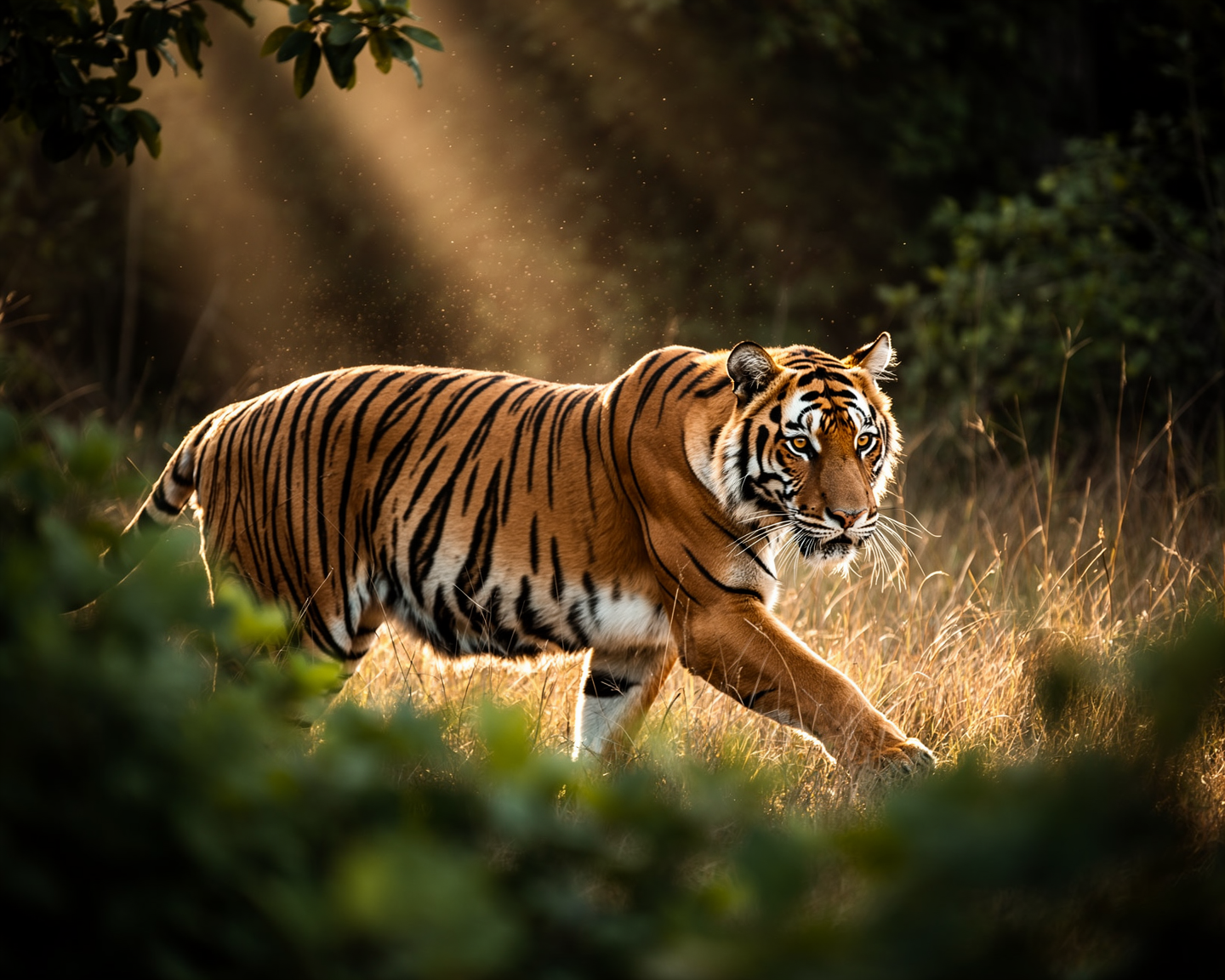
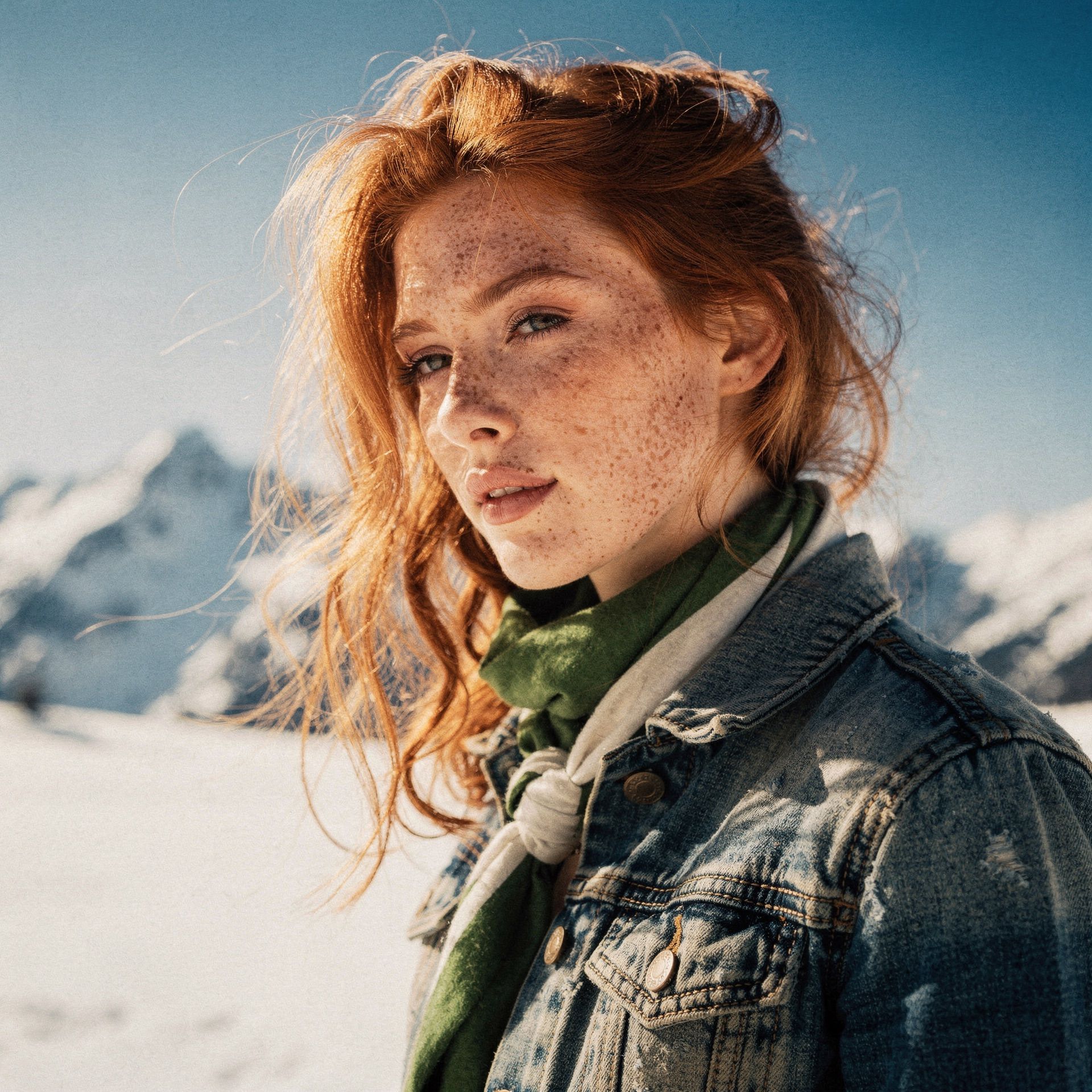
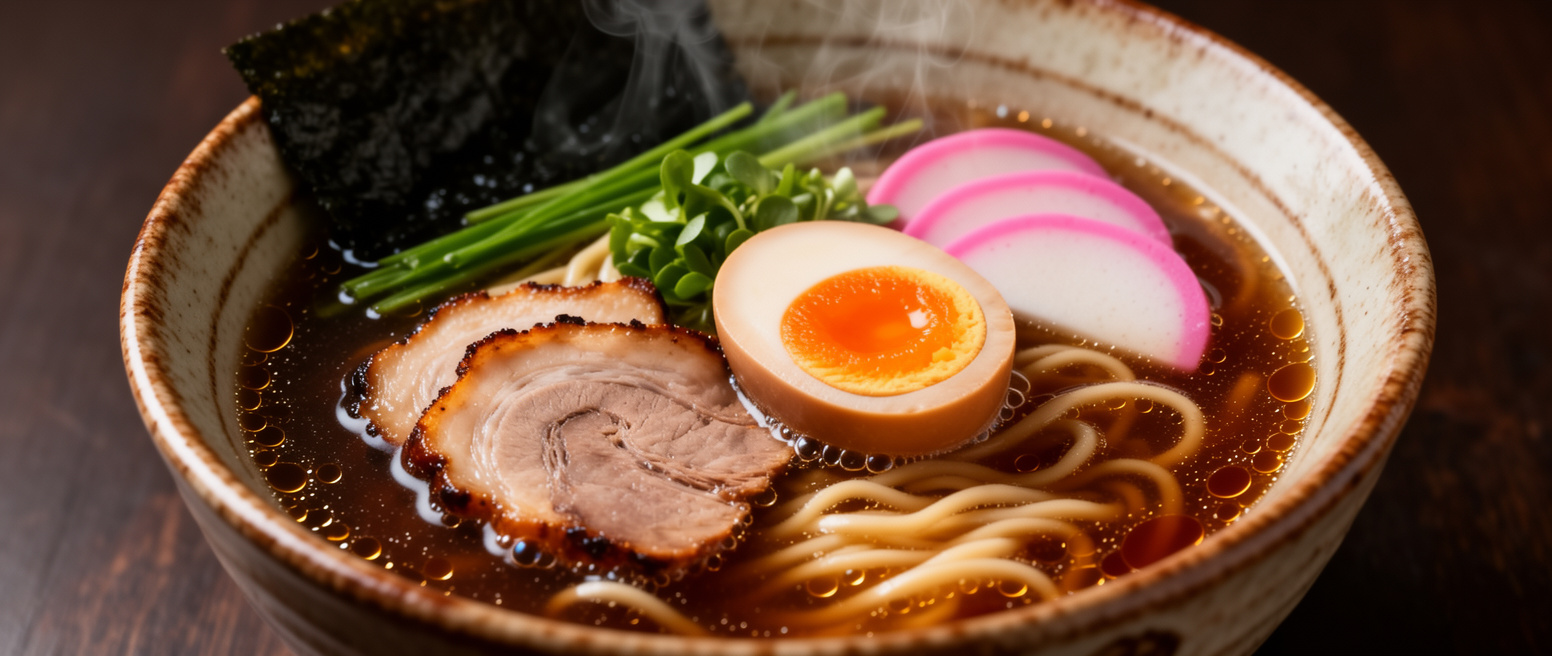
FLUX.2 brings enterprise-grade efficiency and professional precision to text-to-image generation. It closes the gap between generated and real imagery with accurate hands, faces, and textures—all while respecting brand guidelines through hex-code color steering. [max] offers the highest quality with grounding search for real-time information.
Try it live — Test FLUX.2 [max], [pro], [flex] and [klein] in the playground. [klein] is also available on Hugging Face.

Examples

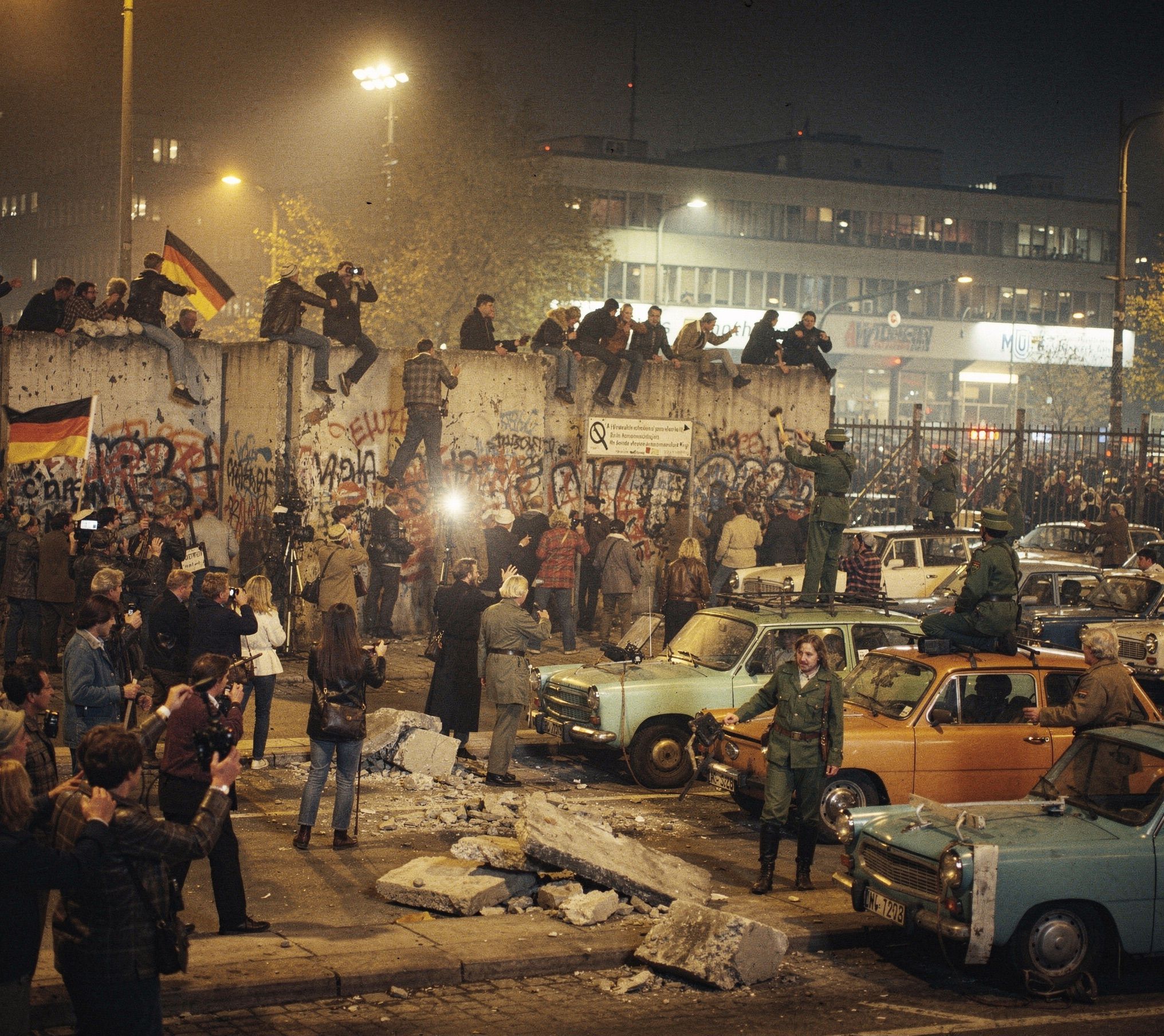
Photorealistic
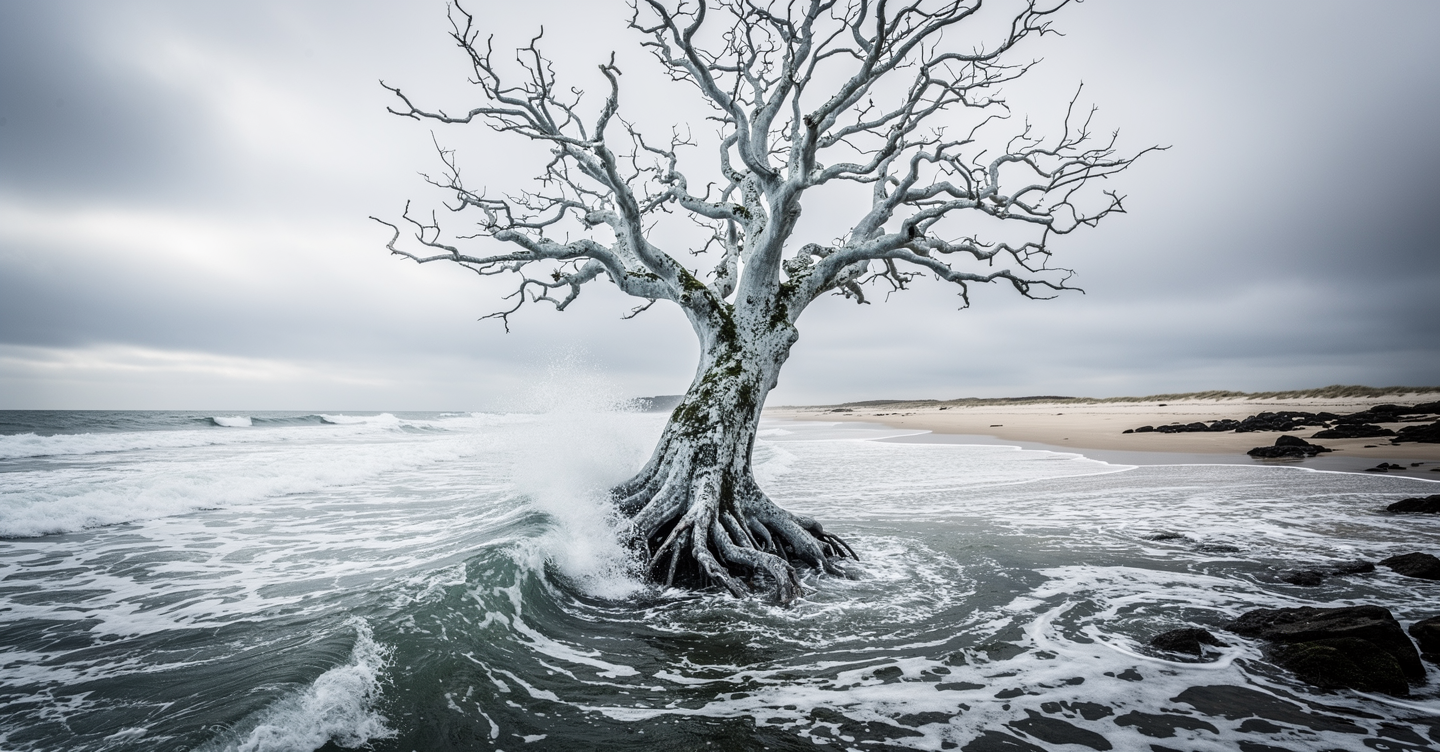
Cinematic landscape with sentient tree

At high noon on a blustery day, capture the surreal presence of a sentient tree, seemingly rooted underwater just off a tumultuous ocean shore. Employ a sweeping panning shot, bathing the scene in cinematic natural light and a stark palette of winter whites and greys, as if glimpsing a spectral sentinel through a watery veil.

Typography & Design
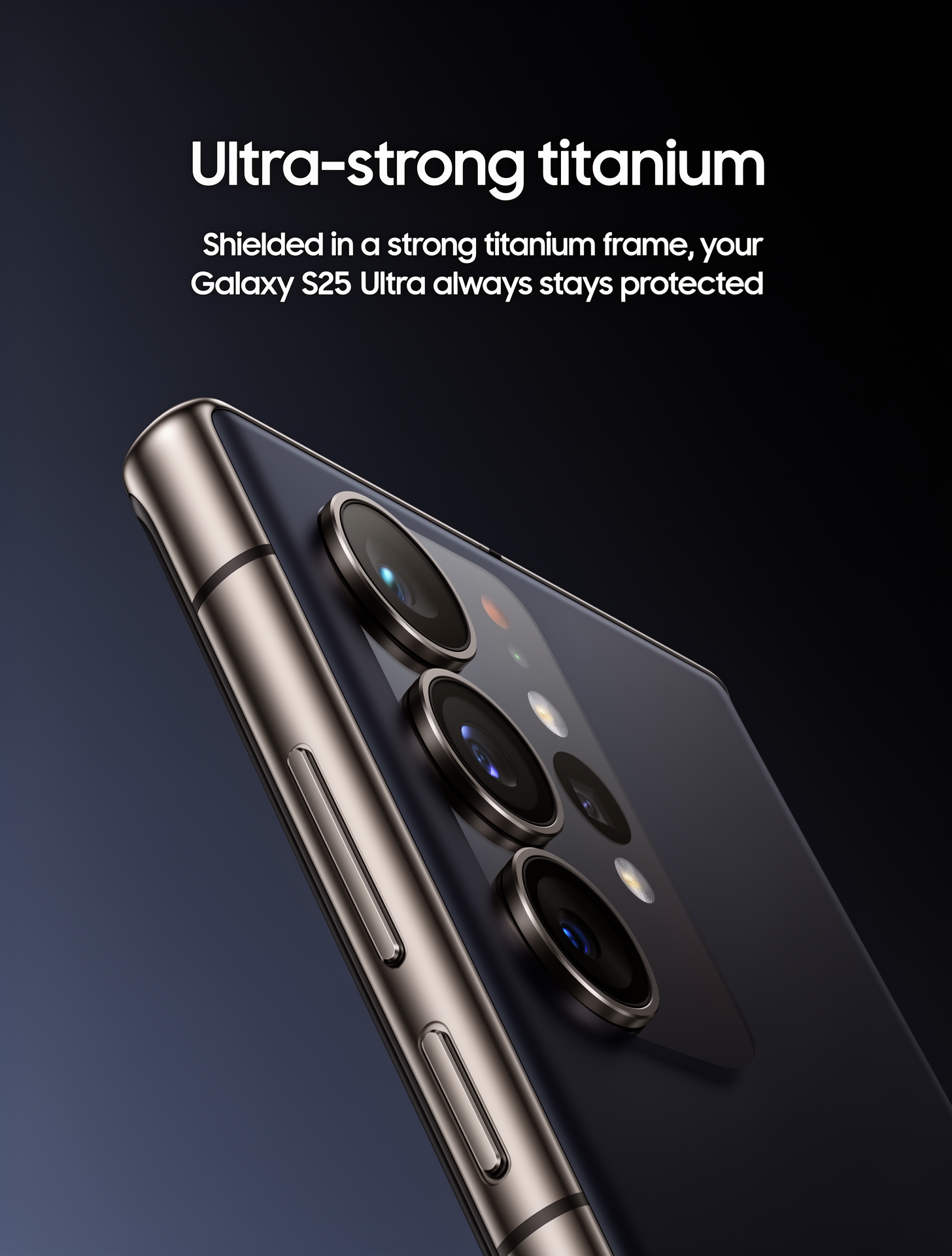
Samsung Galaxy S25 Ultra product advertisement

Samsung Galaxy S25 Ultra product advertisement, 'Ultra-strong titanium' headline, 'Shielded in a strong titanium frame, your Galaxy S25 Ultra always stays protected' subtext, close-up of phone edge showing titanium frame, dark gradient background, clean minimalist tech aesthetic, professional product photography

Cinematic lighting portrait
Realistic skin texture close-up
Hyper-realistic close-up portrait
Product photography quality output
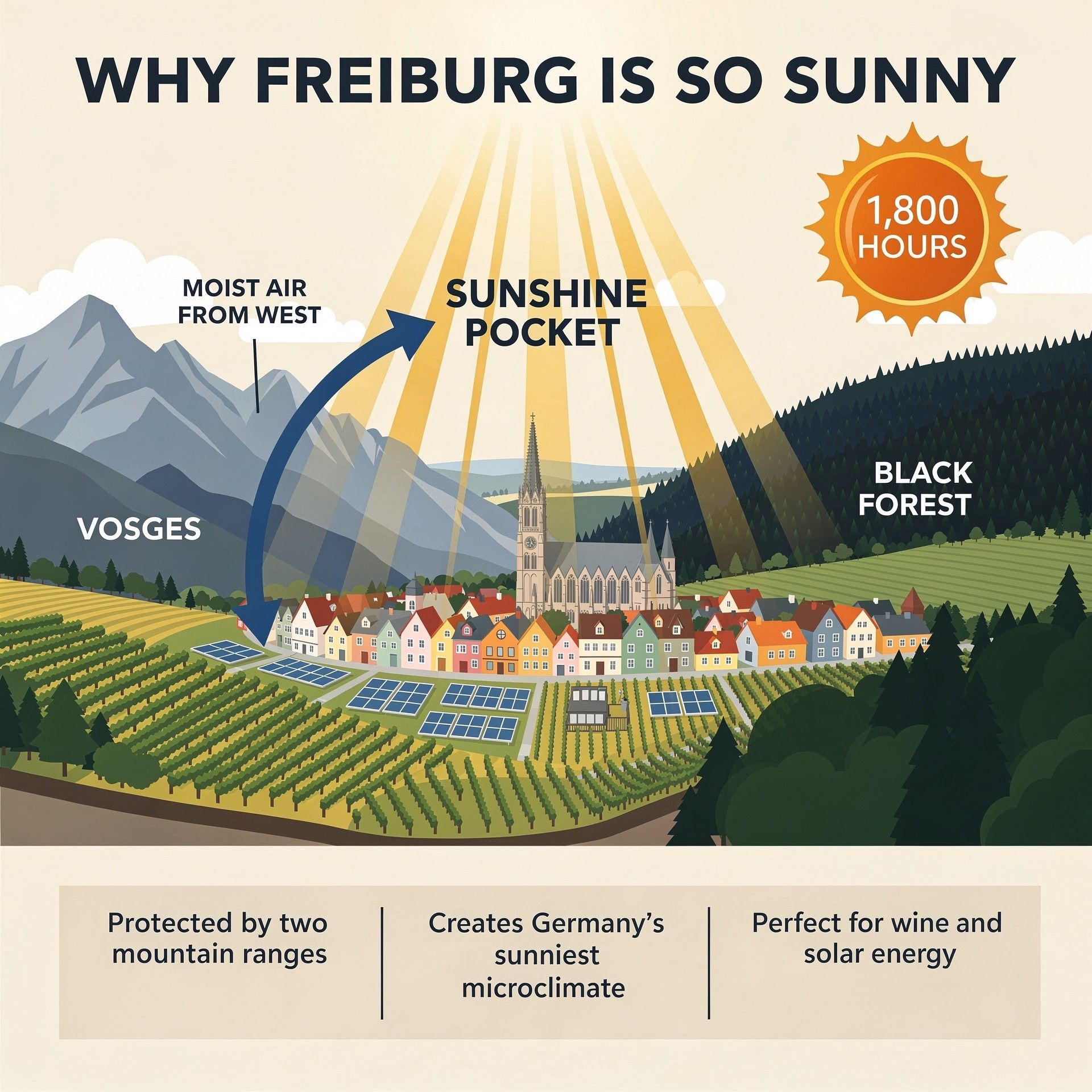
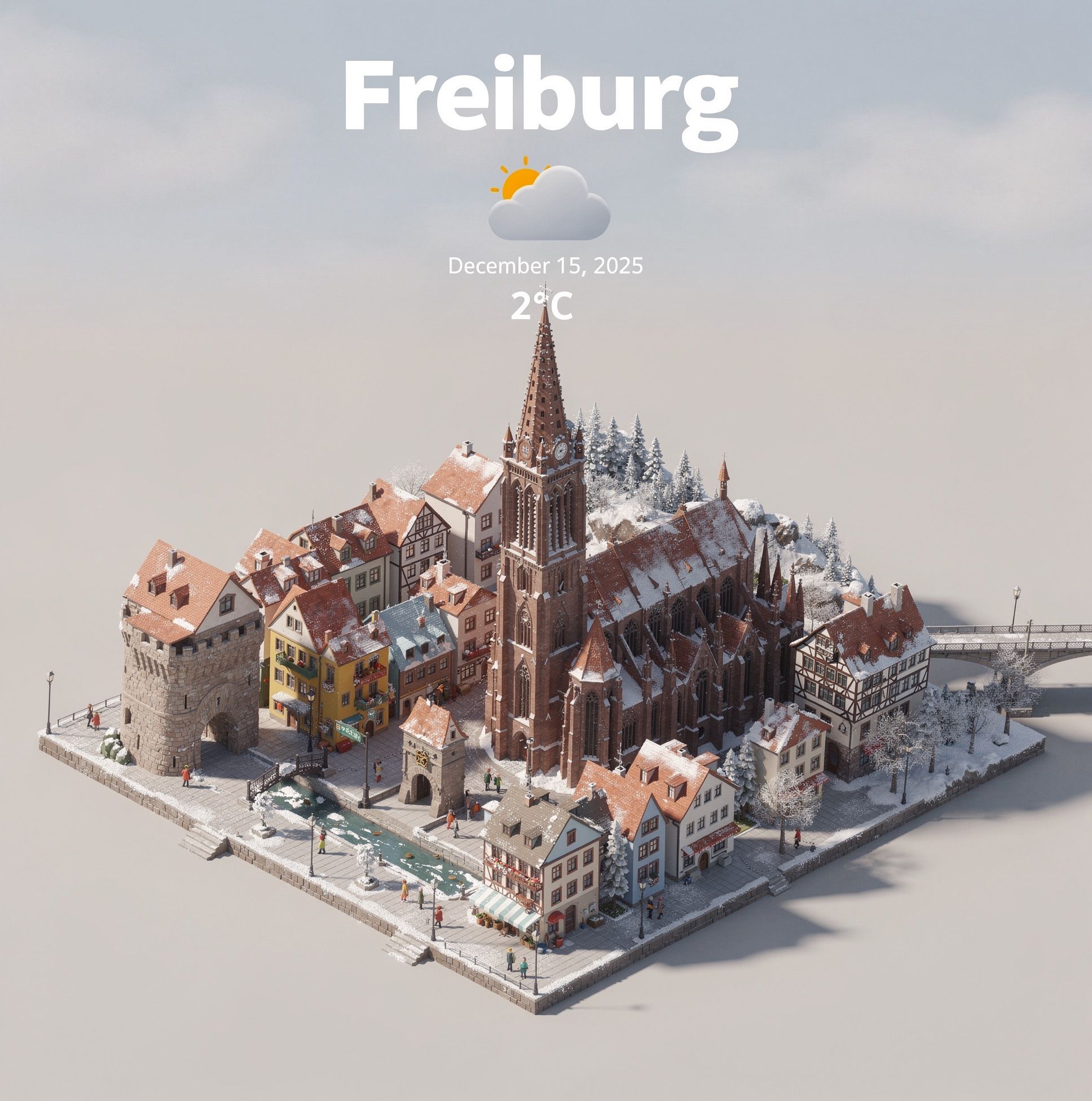
Freiburg infographic with clean typography
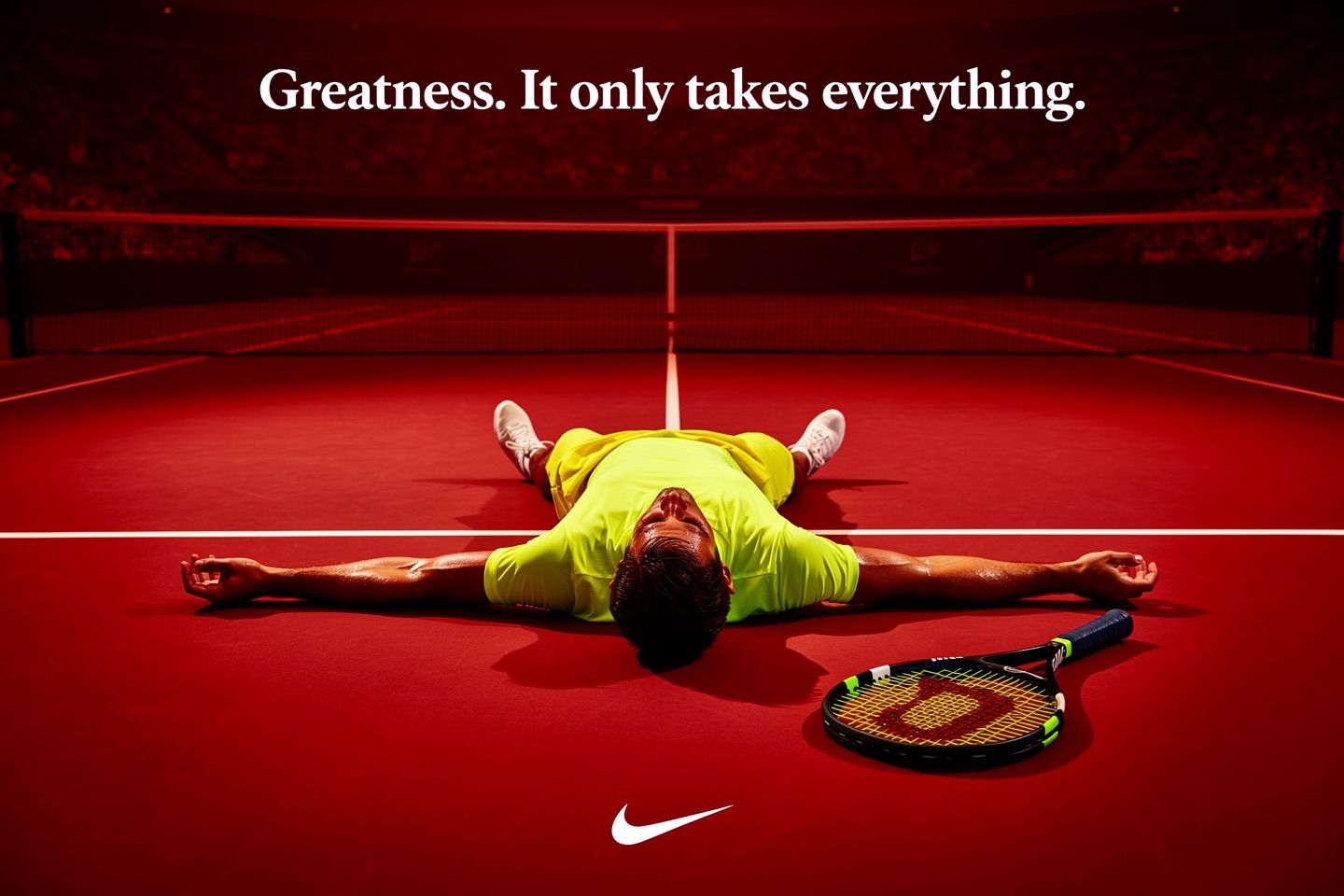
Ad creative with embedded text
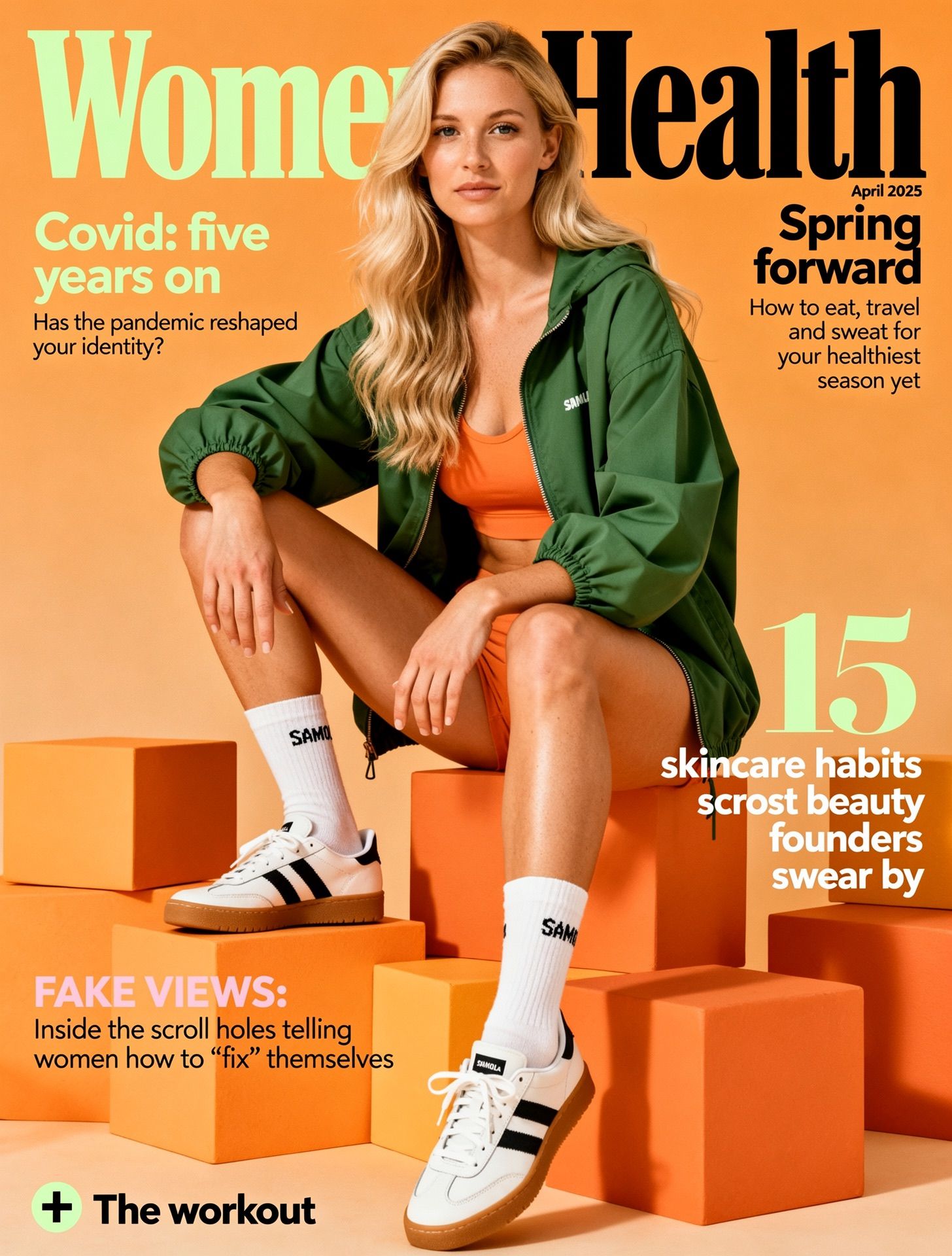
Magazine cover layout

Automotive advertisement with headline
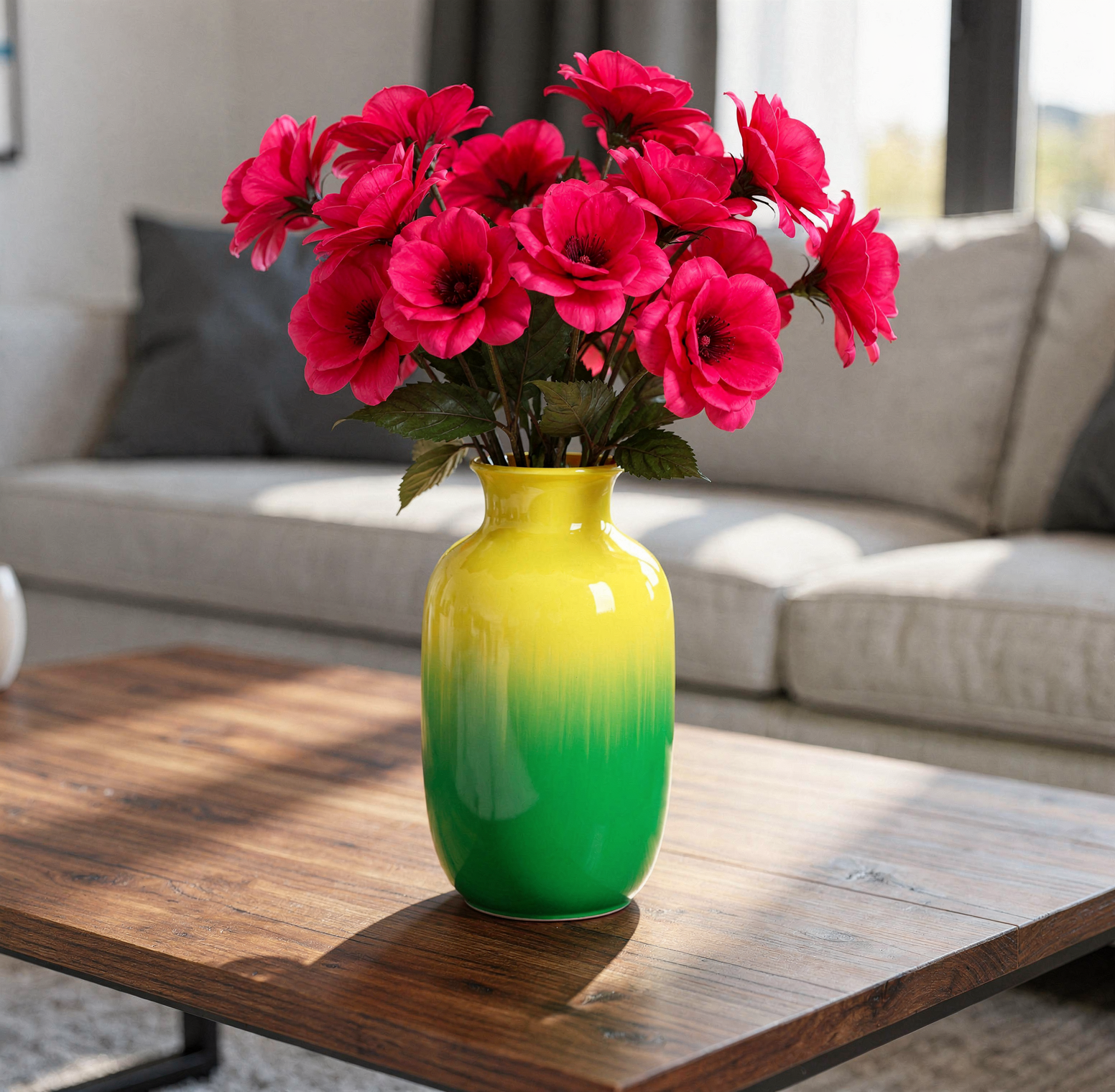
Specify brand colors via hex codes with precision matching — no approximation.
Vase with gradient hex colors and pink flowers

A vase on a table in living room, the color of the vase is a gradient of color, starting with color #02eb3c and finishing with color #edfa3c. The flowers inside the vase have the color #ff0088
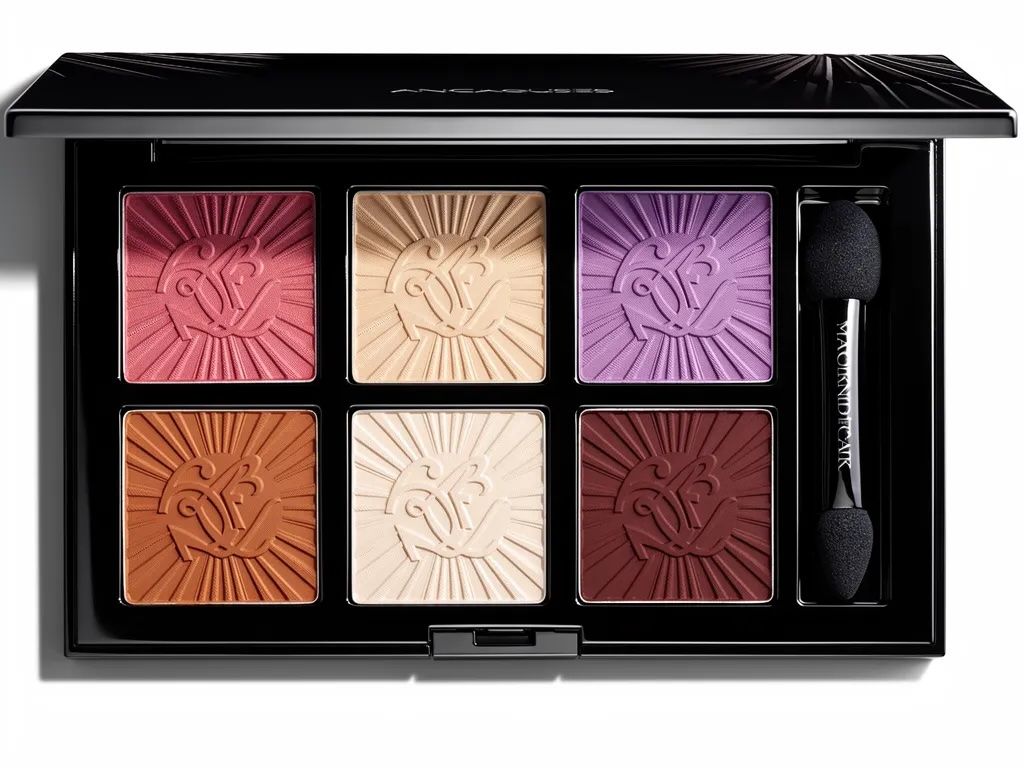
Eyeshadow palette with precise hex colors

Luxury eyeshadow palette with 6 pans: top row #B76E79, #E8D5B7, #8B4789; bottom row #CD7F32, #F8F6F0, #800020

Use JSON-structured prompts for precise control over generation — ideal for production workflows and automation.
Example: Structured Prompting
{
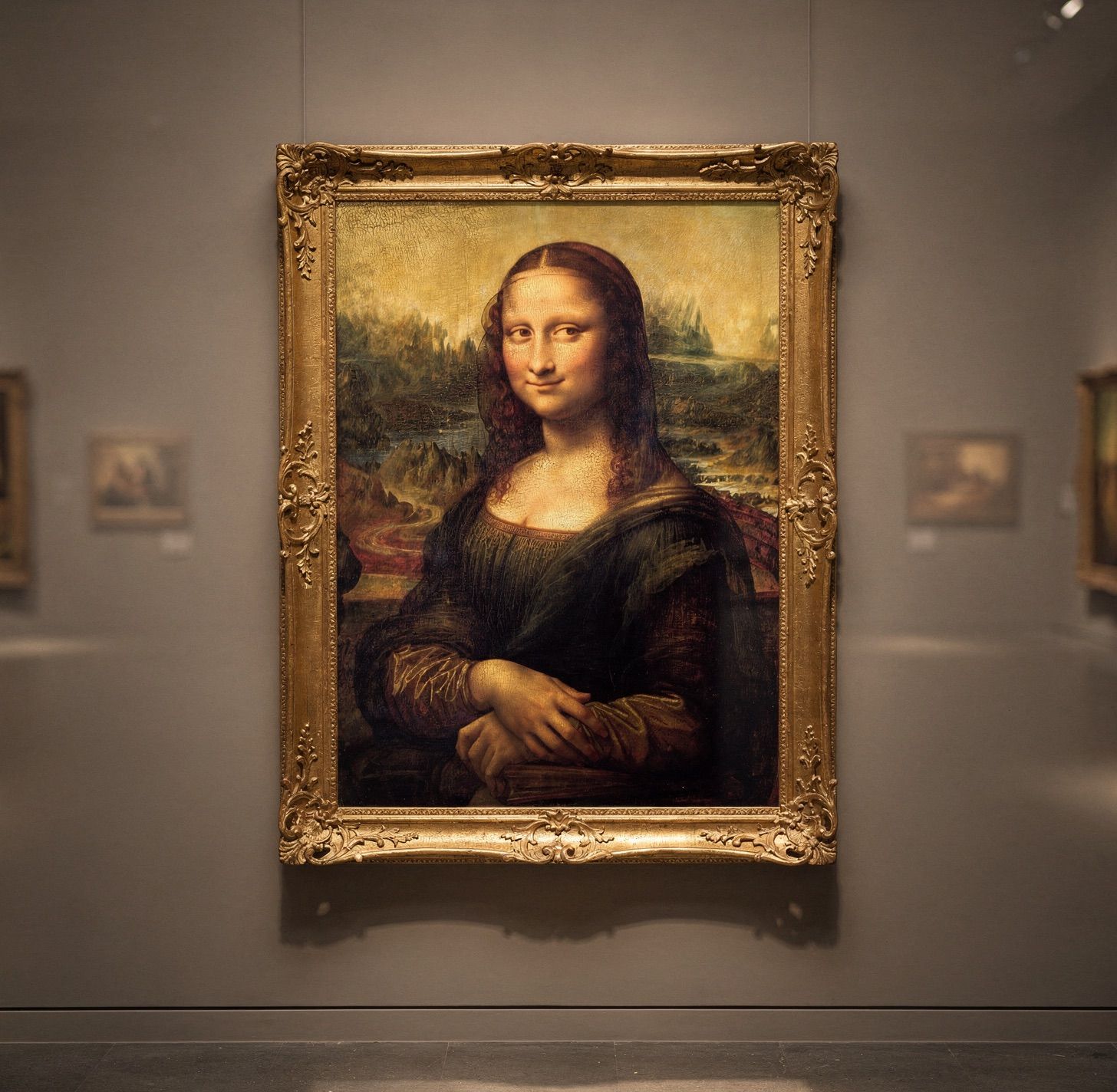
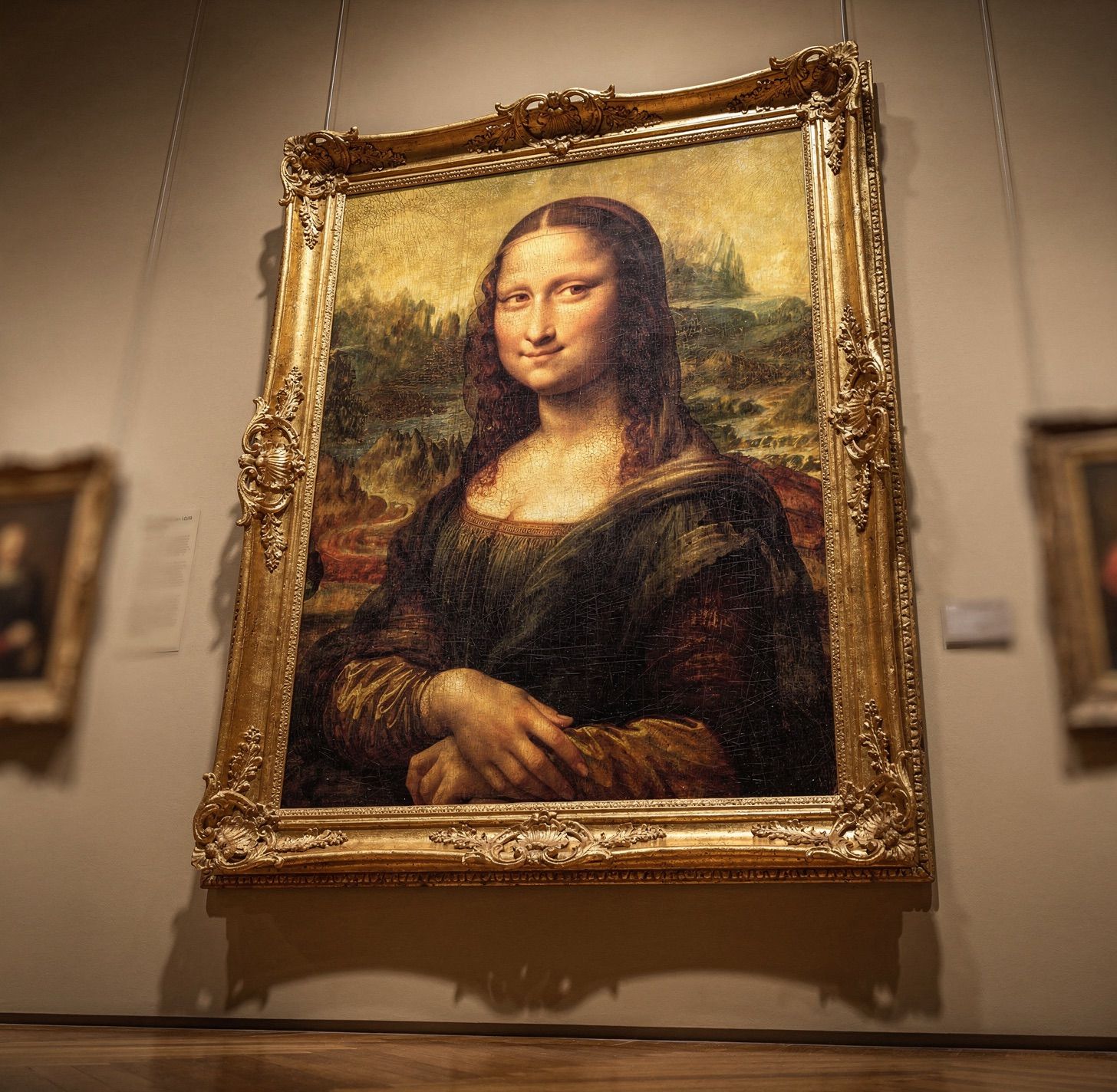
  "subject": "Mona Lisa painting by Leonardo da Vinci",
  "background": "museum gallery wall, ornate gold frame",
  "lighting": "soft gallery lighting, warm spotlights",
  "style": "digital art, high contrast",
  "camera_angle": "eye level view",
  "composition": "centered, portrait orientation"
}
Mona Lisa in museum — eye level view
Mona Lisa in museum — worm's eye view
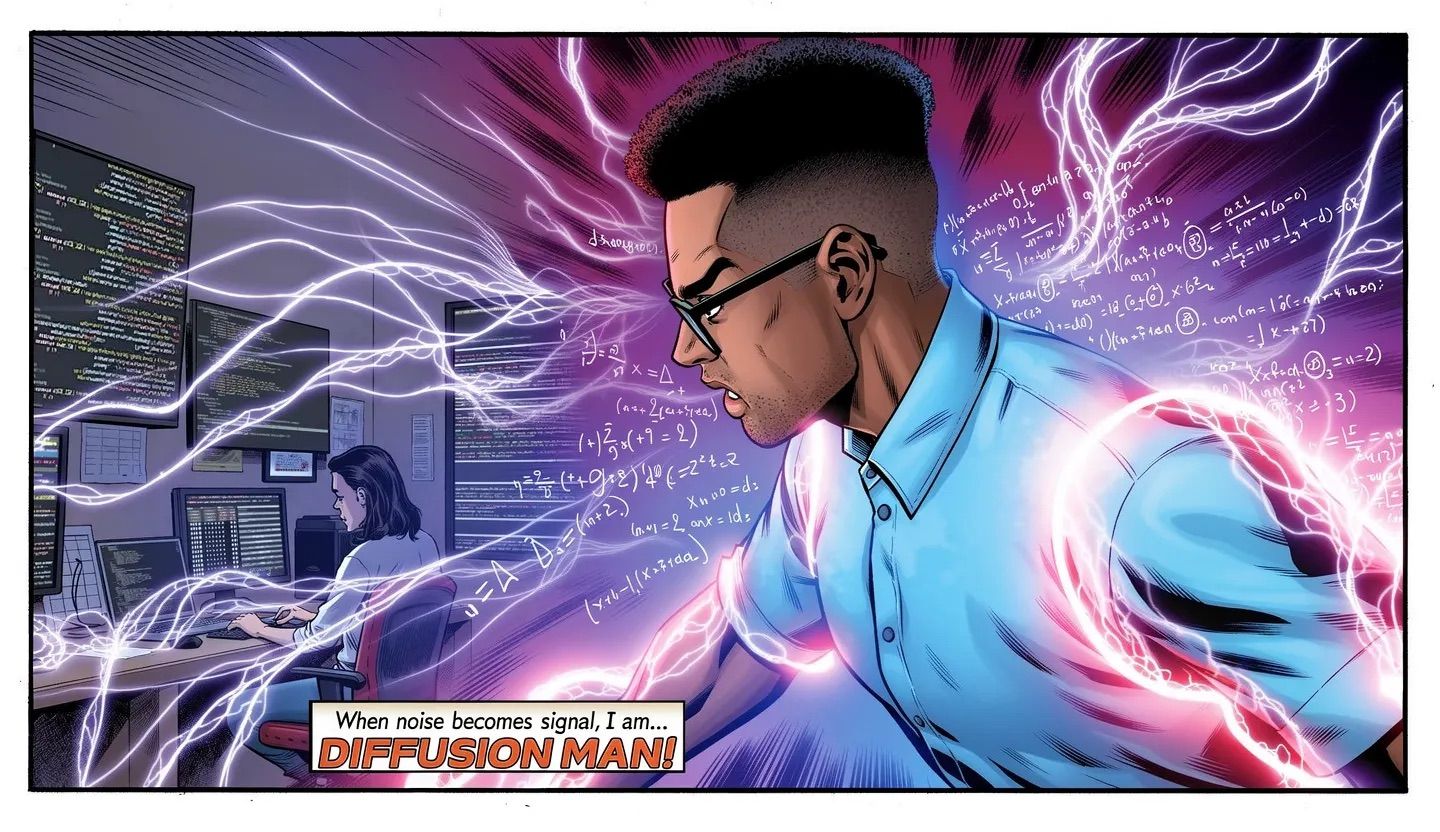
Comic book panel 1
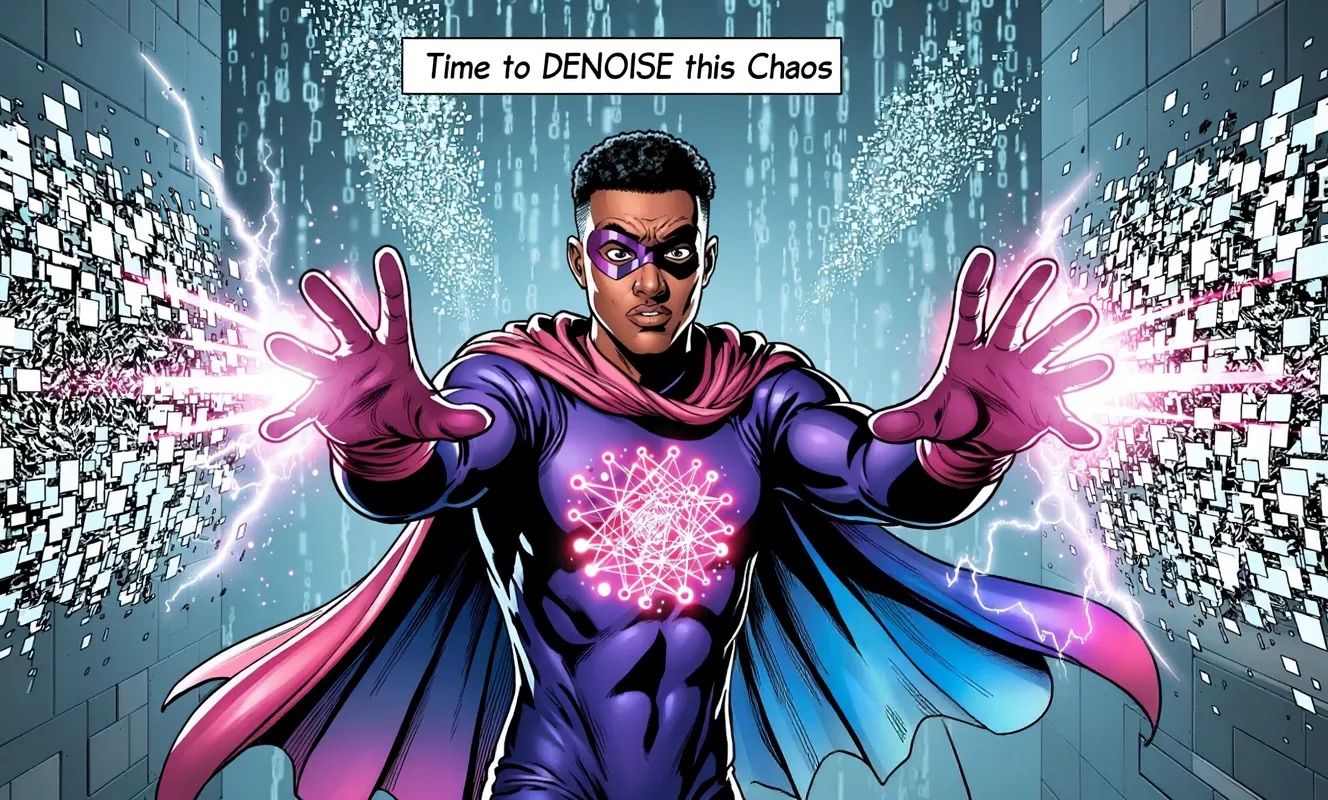
Comic book panel 2
Comic book panel 3
Comic book panel 4

API Integration

Create Request

request=$(curl -X POST \
  'https://api.bfl.ai/v1/flux-2-pro-preview' \
  -H 'accept: application/json' \
  -H "x-key: ${BFL_API_KEY}" \
  -H 'Content-Type: application/json' \
  -d '{
    "prompt": "A serene mountain landscape at golden hour, soft diffused light filtering through clouds",
    "width": 1024,
    "height": 1024
  }')
echo $request
request_id=$(echo $request | jq -r .id)
polling_url=$(echo $request | jq -r .polling_url)

Poll for Result

while true; do
  sleep 0.5
  result=$(curl -s -X 'GET' \
    "${polling_url}" \
    -H 'accept: application/json' \
    -H "x-key: ${BFL_API_KEY}")

  status=$(echo $result | jq -r .status)
  echo "Status: $status"

  if [ "$status" == "Ready" ]; then
    echo "Result: $(echo $result | jq -r .result.sample)"
    break
  elif [ "$status" == "Error" ] || [ "$status" == "Failed" ]; then
    echo "Generation failed: $result"
    break
  fi
done
Signed URLs are only valid for 10 minutes. Please retrieve your result within this timeframe.
For all available parameters, endpoints, and model options, see the API Reference.